I`m currently in the “figuring out phase” of my next comic and it has lead me
to re-thinking some of my process and the software I use.
So if you’re interested, feel free to grab a coffee, this is a long nerdy post with some WIP pictures at the end!
STEP 1, COMING UP WITH A PLAN
Here are some ways I had followed until now, in order to make a comic
- Sit in front of Photoshop and go from rough panels/doodles to finished page. Staying in one medium
- Write into the sketchbook, doodle ideas into Photoshop and then clean them up
- Write and do rough sketches on paper, scan them in and then clean them up digital
- Do roughs digital, print them out in colored tone, do another pass with pencil/marker, scan and clean up
The big thing at this point is that I have trouble THINKING and drawing while sitting in front of the best distraction machine ever created.
Drawing digital is a blessing and I think it “frees me up” but it’s also a huge pain in the butt because I always end up “figuring things out” for hours, playing with camera angles and going back to Google Reader for “one more roundtrip around the internet”.
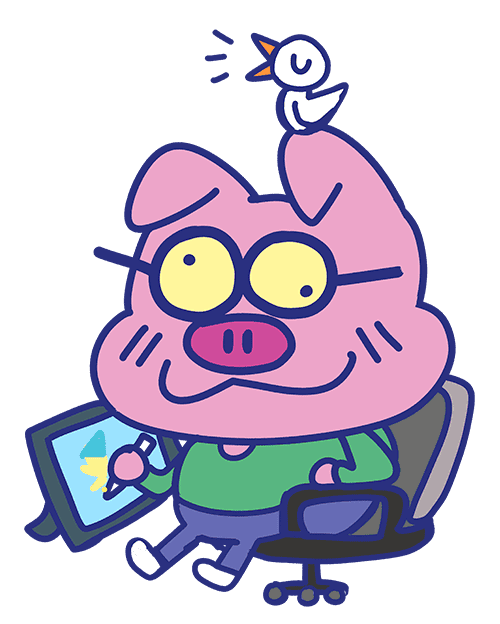
Mostly while looking like this:
So I came to the conclusion that I needed to separate both.
I need to already know WHAT to draw before I settle down in front of Photoshop.
This way I can also actually enjoy working on the comic without constantly needing the laptop.
I can actually draw with my favorite sexy mechanical pencil AND I can also enjoy the magic of Photoshop later when it comes to fussing around with small, final details in posture or expression.
IN COMES THE WRITING PART.
The free hours of the day are precious golden drops of gummy bear juice and working on a comic while doing full time animation work during the day has made me realize that I need to streamline my process.
To get rid of those bubbles of “duhh.. what to draw next? LET’S PLAY VIDEO GAMES!”.
So I went out looking for software that could help with the digital writing part, once the idea was roughly fumbled down in a sketchbook/post it.
With something like Final Draft, I would end up spending way to much time describing things in only text instead of just making a quick doodle.
It also makes it difficult to SEE the flow of a page, to design the panels and get a feel for the balance between drawing and word.
Working in this program makes sense if you’re not thinking about page layout or if you’re not also drawing the book.
But if you are, I think time is best spent with a different software.
CELTX
Celtx seemed like a bit more focused on the display of actual storytelling.
It has options to start Screenplays, Storyboards AND Comic projects.
The great thing about Celtx is that it kinda works as a digital folder.
You can save tabs with “inspiration”, “sketches” and “storyboards” and the actual “script”.
This one seemed CLOSE to what I wanted BUT it was not perfect.
There is no option to export done pages to PDF, it’s hard to show a whole page as one. And it feels a bit “rough” still.
This is something that would work perfectly for teams of people that are trying to work on one story. A writer could fill up a project with inspirational pictures and words while the drawing person could insert sketches into the same project, resulting in a nice back-and-forth with only one file/program needed.
And in comes my personal favorite from out of left field,
COMIC LIFE 2
I had originally dismissed this program because it seems to be aimed at “non-professionals” and at people that think that making comics out of photos is funny and a wacky way to do invitations.
It also uses SOUND EFFECTS when you start it up the first time. Another hint that it’s not really serious software.
BUT it endet up working perfectly for my needs.
Now you ask;
“But Andreas, why can’t you do this with Photoshop? Clearly these are all things that the mighty Adobe product can handle as well!”
And to that I can say:
Photoshop can do all those things, but I had a couple of reasons to go with something else:
- Photoshop’s way of dealing with type (making layers for every click) is annoying to me
- A very specialized tool DOES save time and hassle (see Storyboard Pro for example)
- Fresh sparkly software gives new energy!
Comic Life is super lightweight,
I can layout the page.
(it comes with a ton of ready-made panel layouts with sections like ”web comics”, “60s comics”, “european comics” and “manga”.
See how the flow works with my text
( I add descriptions for me and balloons to figure out spacing)
And then export it to PDF for print.
I take those pages with me, doodle ideas into the panels while sitting in the metro, in the cafe
And then I scan them again for final digital inking.
And BAM! a comic page is done!
All it needs now is some panels and coloring, but thats a whole other messy thing and will be a future topic on this very website.
Thanks for reading this ginormous post and have a great week!